
Interpreter
Their words, in your language, live.
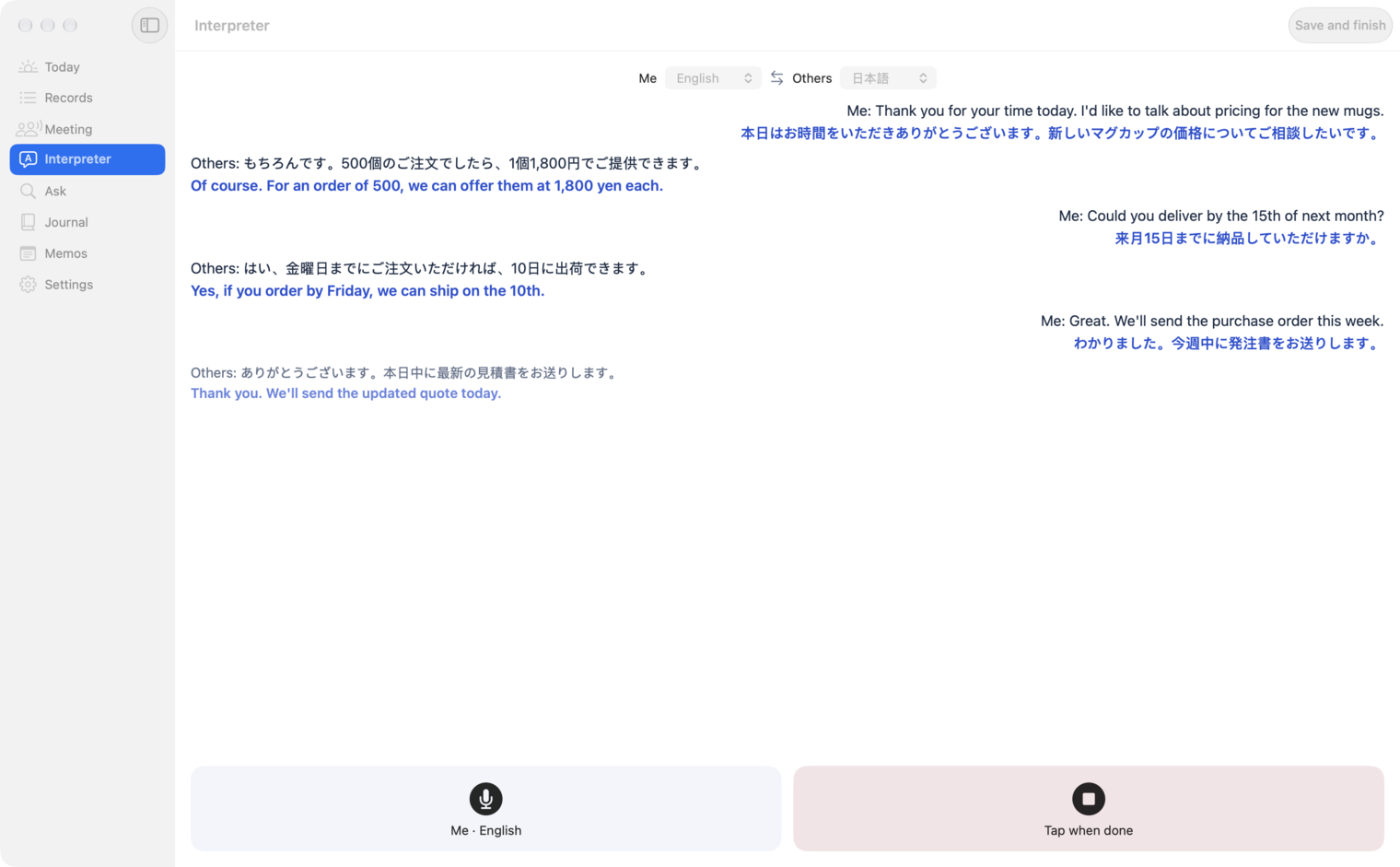
On your Mac, what they say appears next to the translation. What you say is translated into their language. Choose the language for each side. Interpreting is part of the Meeting option and Pro.
Subtitles & interpreting
Their words appear in your language as they speak, and yours in theirs. Your Mac keeps the two voices apart, and after the meeting you get the minutes.
Live subtitles and interpreting need the Meeting option (from ¥480/month) or Pro (paid). Recording and transcription are free.
Conversations and records on screen are fictional demo data.
On your Mac, what they say appears next to the translation. What you say is translated into their language. Choose the language for each side. Interpreting is part of the Meeting option and Pro.
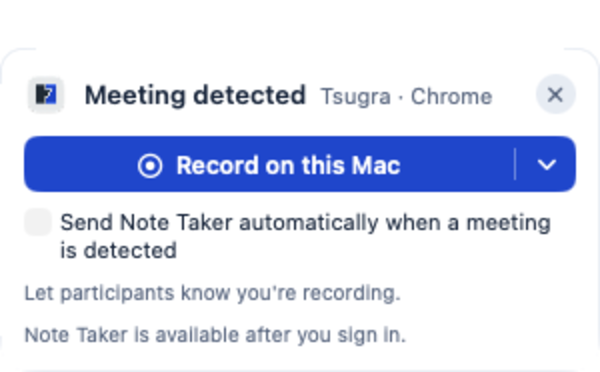
Your Mac notices Zoom, Google Meet and other calls and offers to record. “Record on this Mac” keeps your voice and theirs apart.
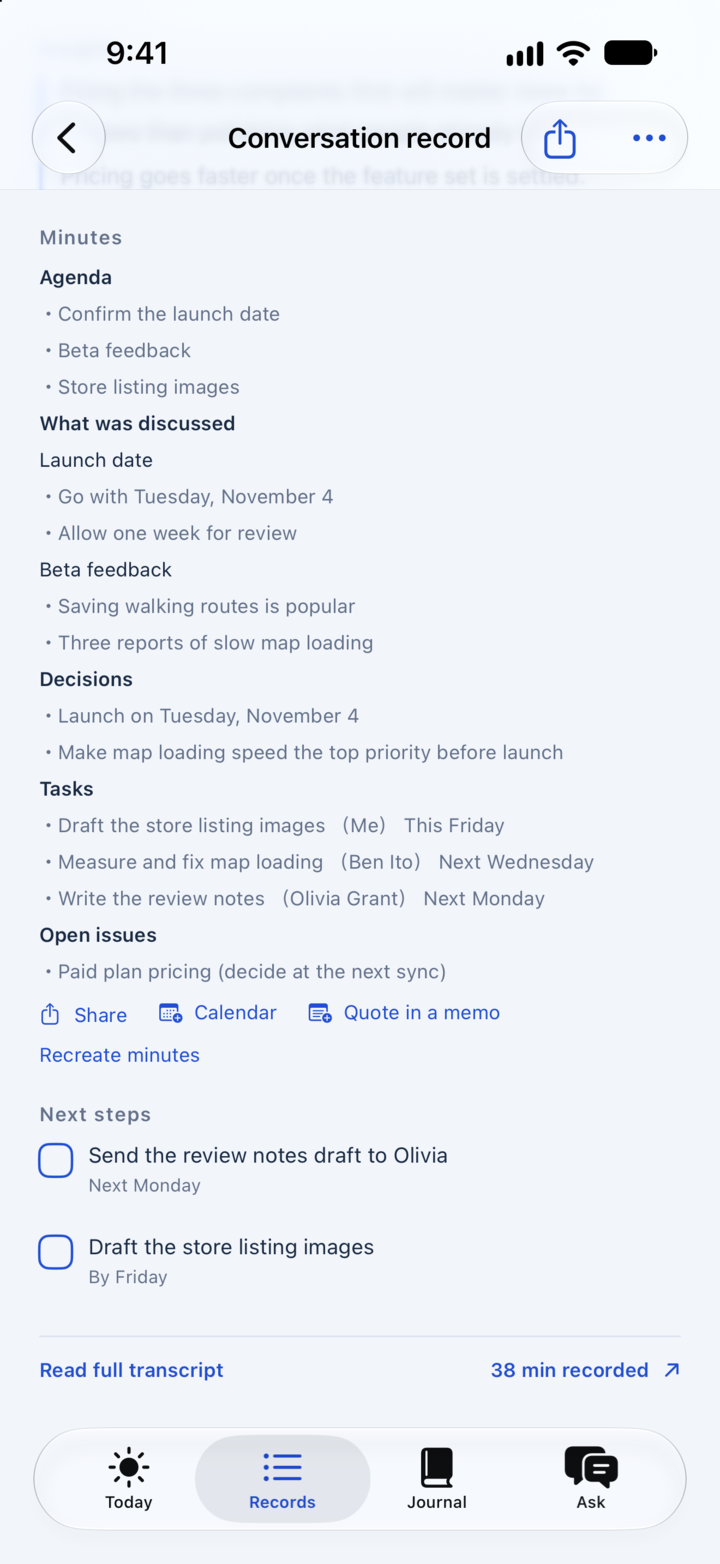
Meetings held in another language can also become minutes with decisions and action items.
Plans
Recording meetings on Mac with your voice and theirs kept apart, and on-device transcription (46 languages, depending on device and OS).
Cloud summaries (600 a month) and Ask (100 a month).
Live translated subtitles, interpreting and minutes. Meeting option from ¥480 a month; Pro adds the Note Taker.
You choose a language for yourself and one for the other side. Available languages depend on the device and OS version.
Live translated subtitles and interpreting are part of the Meeting option (from ¥480 a month) and Pro. Recording and transcription are free.
It is machine translation and can get names and technical terms wrong. Check important points against the original.
The interpreter works on iPhone and Mac. To keep the other side of an online call separate, a Mac works best.
Get Tsugra
For iPhone, Apple Watch and Mac.
Open this page on iPhone
tsugra.com/en/use/english-meeting-subtitles#download